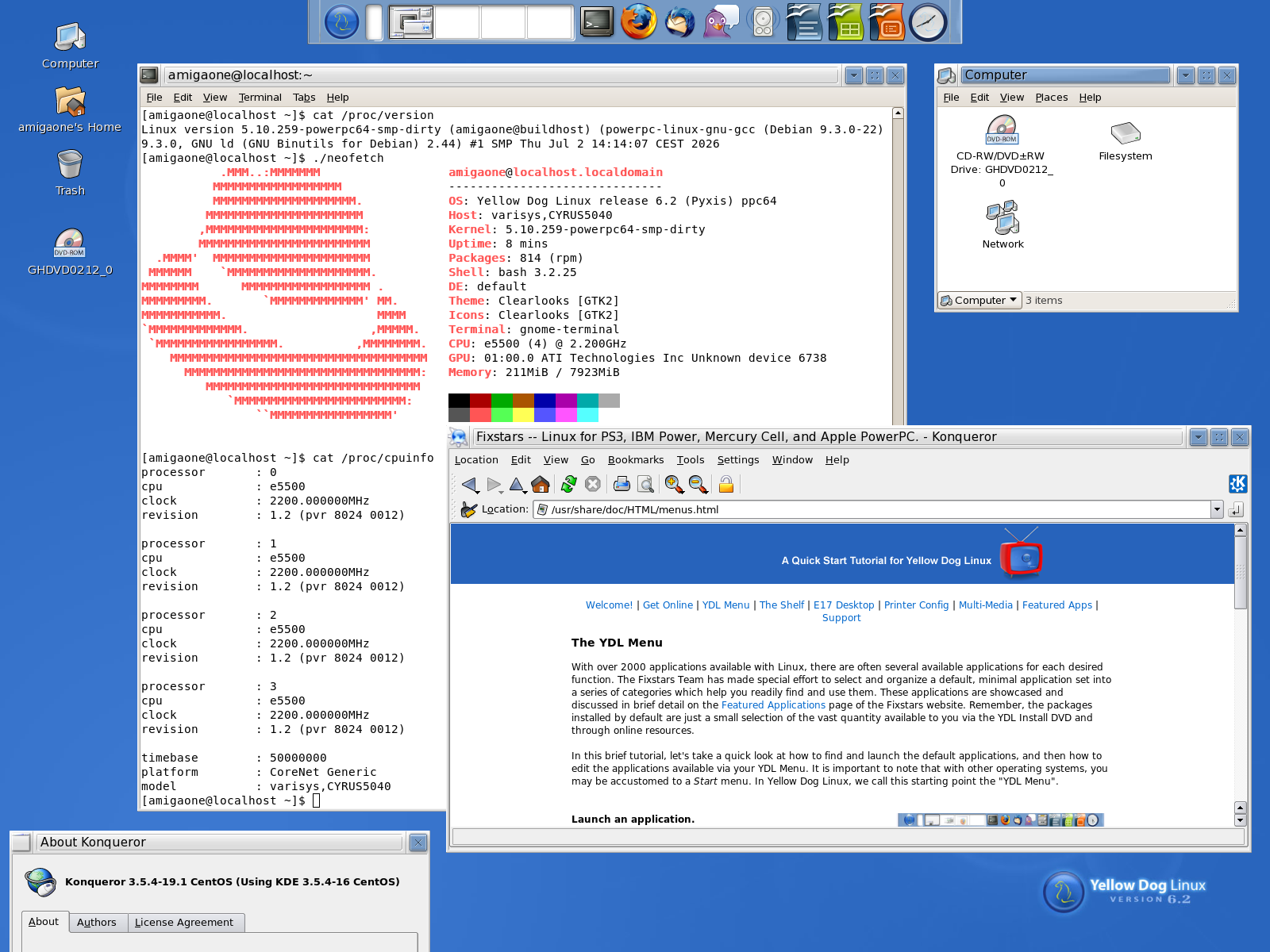
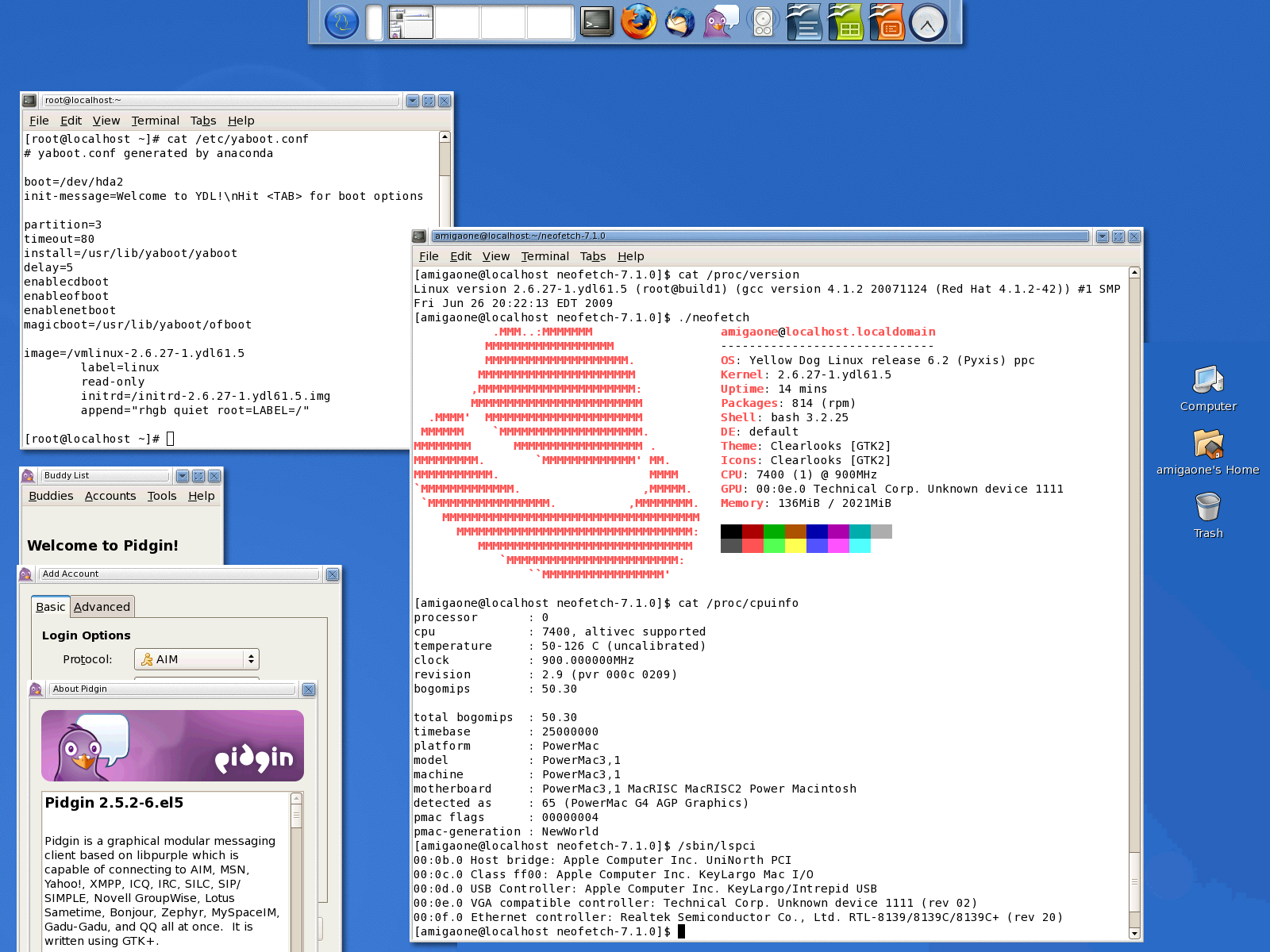
I created a Yellow Dog Linux 6.2 root partition disk image today.
Further information about Yellow Dog Linux: Wikipedia
Download: yellowdog_root2.img.gz (Size: 993MB, md5sum: e6d14891e26576427ba3ad18f501c9a2)
Installation:
-
Code: Select all
gunzip yellowdog_root2.img.gz - dd if=yellowdog_root2.img of=/dev/<Your partition> status=progress
For example: /dev/sdb4:
Code: Select all
dd if=yellowdog_root2.img of=/dev/sdb4 status=progress -
Code: Select all
fsck.ext3 -f /dev/sdb4 -
Code: Select all
resize2fs /dev/sdb4 -
Code: Select all
tune2fs -L Yellow_Dog_Linux /dev/sdb4 -
Code: Select all
vim /run/media/amigaone/Yellow_Dog_Linux/etc/fstabCode: Select all
/dev/sdb4 / ext3 defaults 0 1 -
Code: Select all
setenv bootargs "root=/dev/sdb4" - Creating the kernel modules database:
Code: Select all
depmod -a - For getting an ip address:
Code: Select all
dhclient
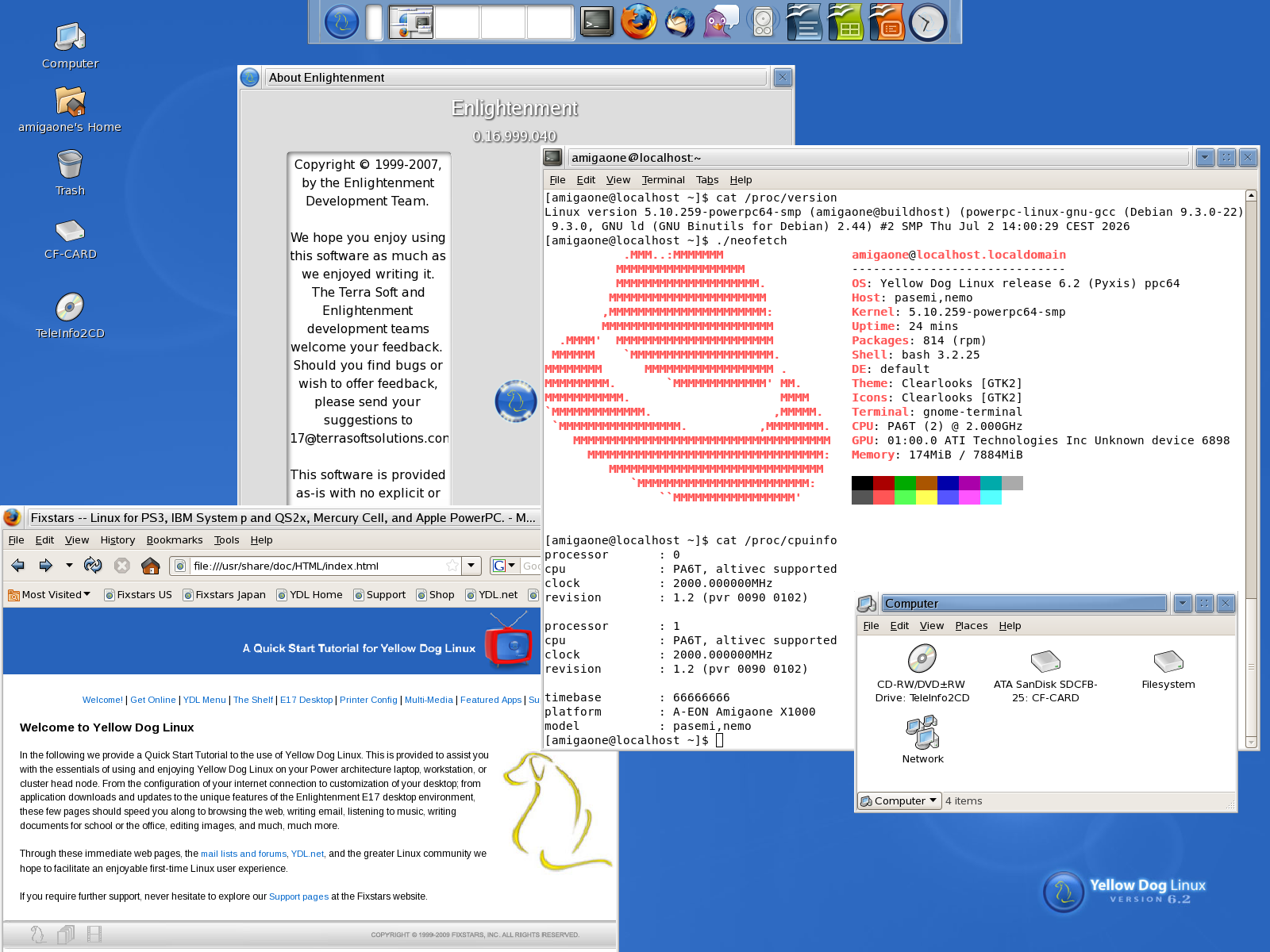
Have a nice weekend,
Christian