Yellow Dog Linux

AmigaOne X1000 platform specific issues related to Linux only.
Post Reply
xeno74
Posts: 11354
Joined: Fri Mar 23, 2012 7:58 am
Contact:

Yellow Dog Linux

Post by xeno74 »

Hi All,

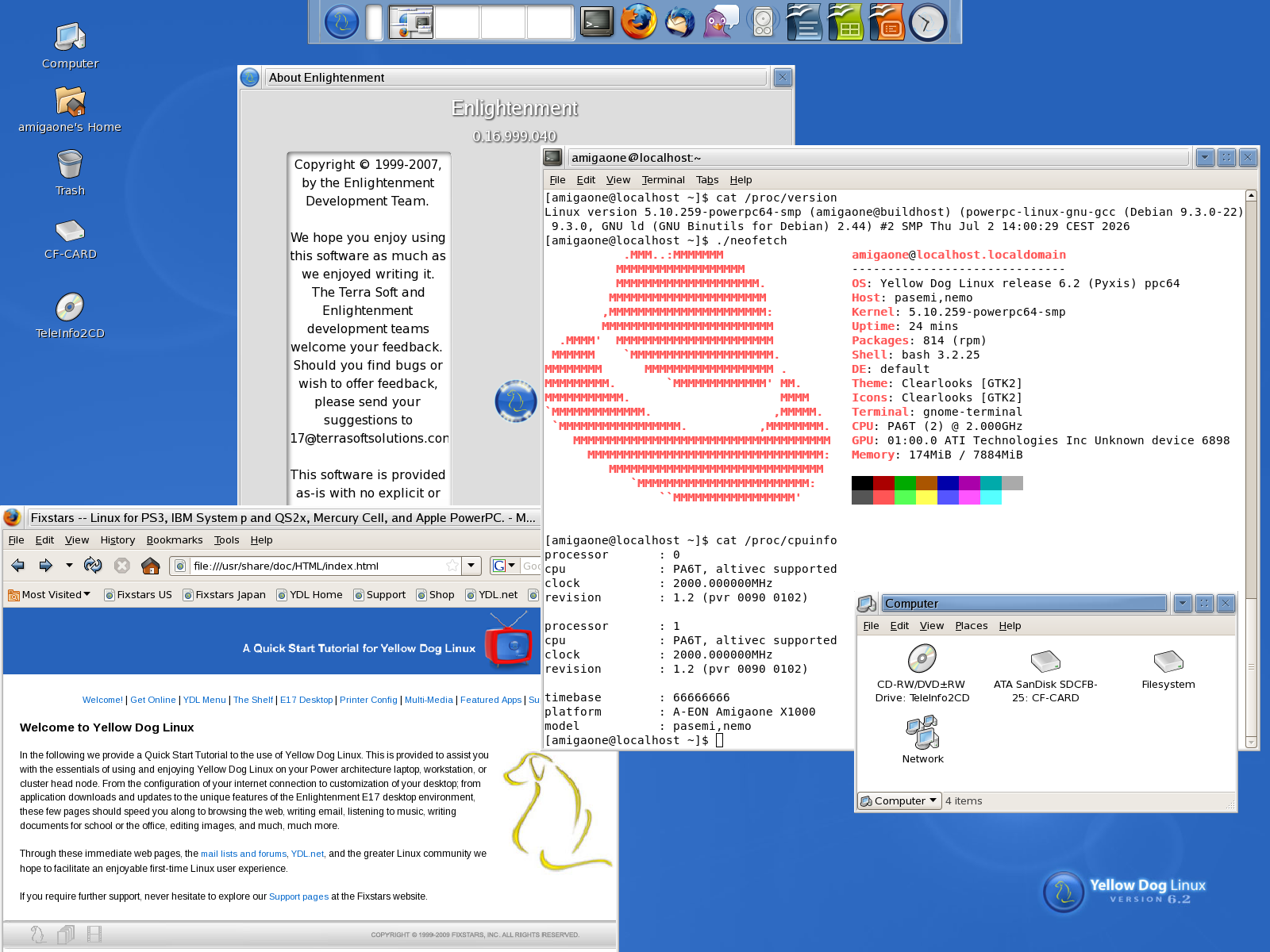
I created a Yellow Dog Linux 6.2 root partition disk image today.

Further information about Yellow Dog Linux: Wikipedia

Download: yellowdog_root2.img.gz (Size: 993MB, md5sum: e6d14891e26576427ba3ad18f501c9a2)

Installation:
  1. Code: Select all

    gunzip yellowdog_root2.img.gz
  2. dd if=yellowdog_root2.img of=/dev/<Your partition> status=progress

    For example: /dev/sdb4:

    Code: Select all

    dd if=yellowdog_root2.img of=/dev/sdb4 status=progress
  3. Code: Select all

    fsck.ext3 -f /dev/sdb4
  4. Code: Select all

    resize2fs /dev/sdb4
  5. Code: Select all

    tune2fs -L Yellow_Dog_Linux /dev/sdb4
  6. Code: Select all

    vim /run/media/amigaone/Yellow_Dog_Linux/etc/fstab

    Code: Select all

    /dev/sdb4          /         ext3         defaults          0   1
  7. Code: Select all

    setenv bootargs "root=/dev/sdb4"
  8. Creating the kernel modules database:

    Code: Select all

    depmod -a
  9. For getting an ip address:

    Code: Select all

    dhclient
Image

Have a nice weekend,
Christian
xeno74
Posts: 11354
Joined: Fri Mar 23, 2012 7:58 am
Contact:

Re: Yellow Dog Linux

Post by xeno74 »

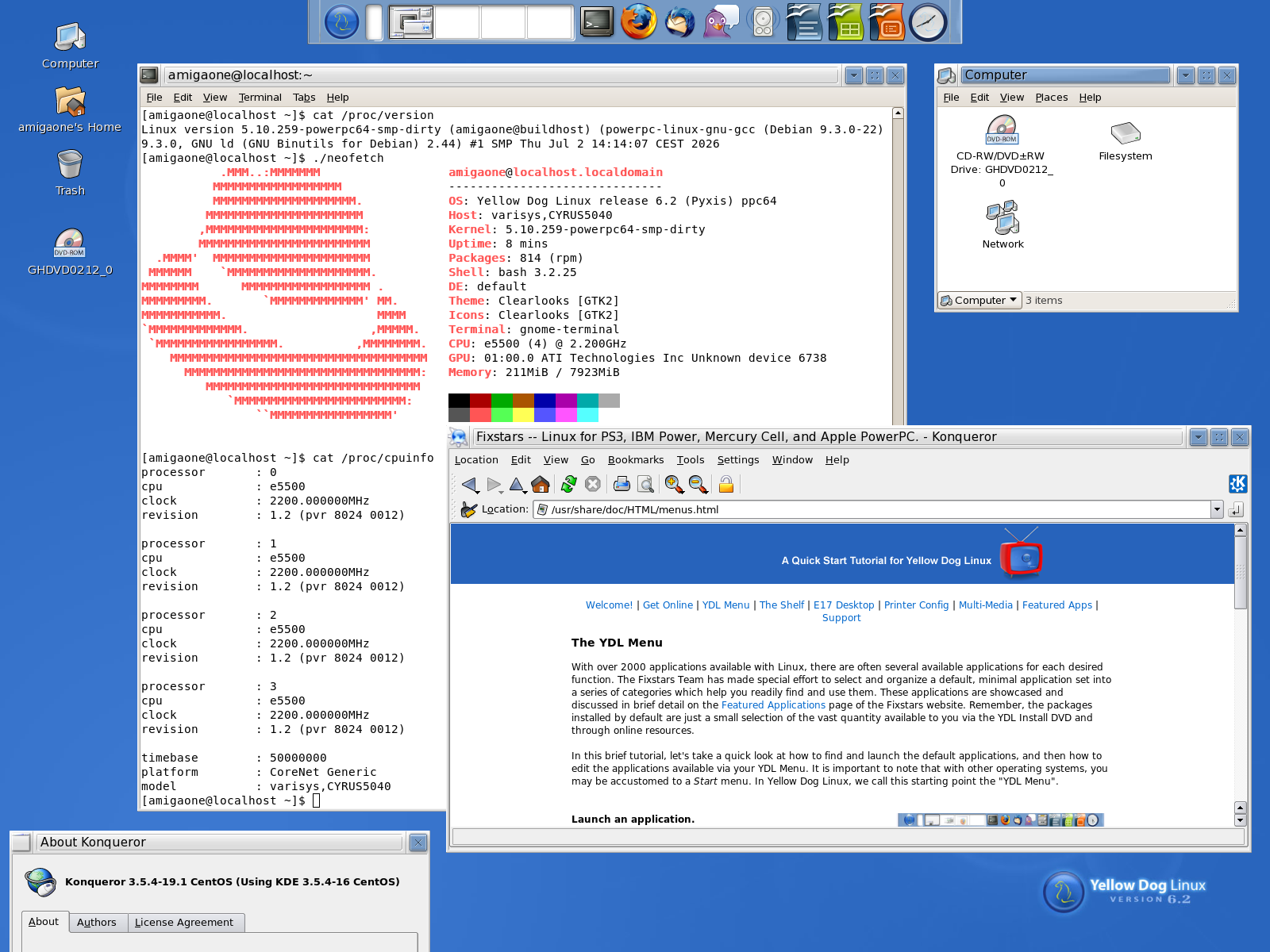
Yellow Dog Linux 6.2 on an X5000:

Image

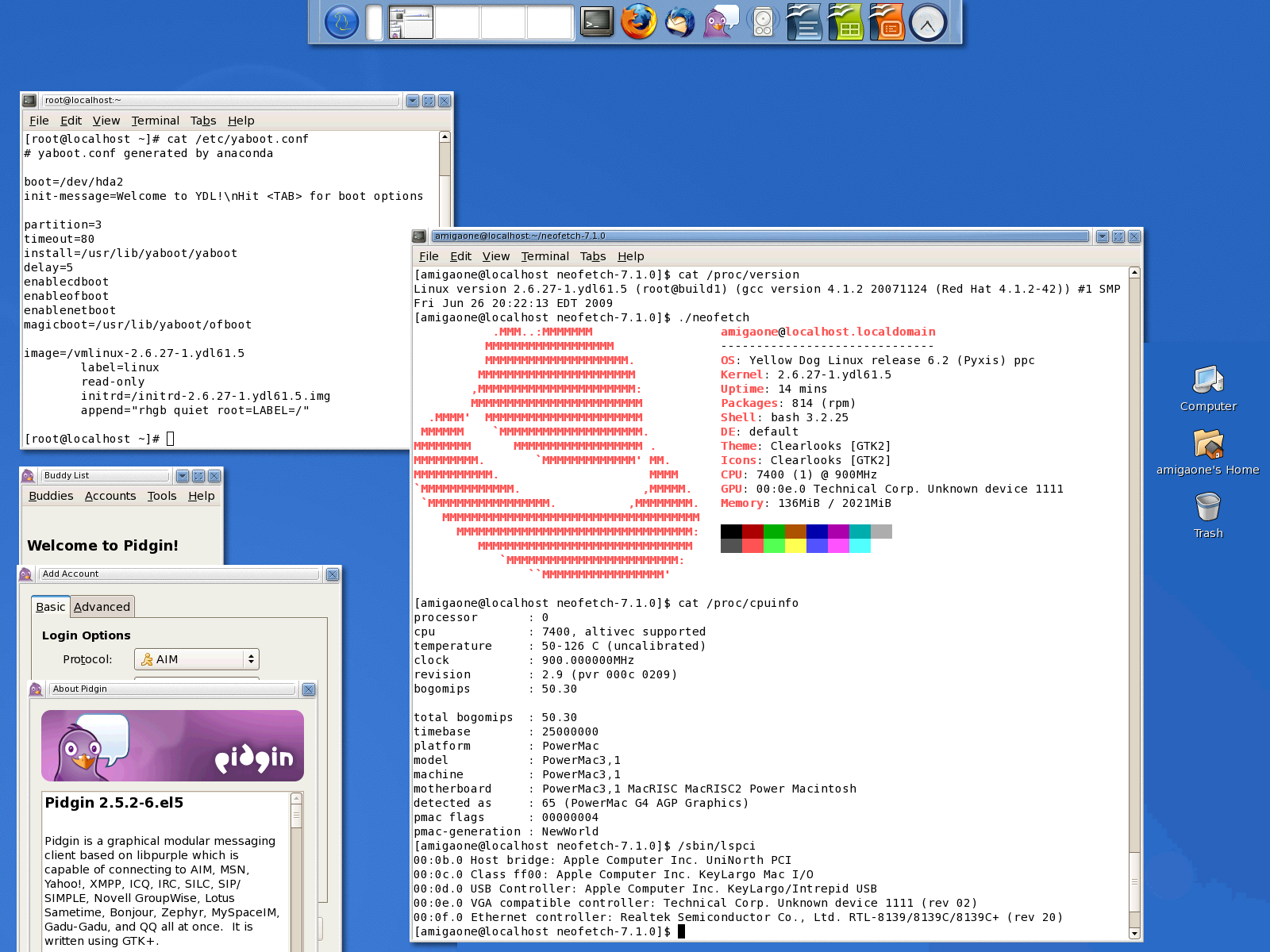
Yellow Dog Linux 6.2 on a virtual PowerMac G4 AGP:

Image
xeno74
Posts: 11354
Joined: Fri Mar 23, 2012 7:58 am
Contact:

Re: Yellow Dog Linux

Post by xeno74 »

Yellow Dog Linux resources: ftp.informatik.rwth-aachen.de

Repos (Directories with the directory repodata):

yellowdog-base.repo

Code: Select all

#generated by system-config-ydlnet
[base]
name=Yellow Dog Linux 6.2 Base
baseurl=http://ftp.informatik.rwth-aachen.de/ftp/pub/linux/yellowdog/yum/6.2/base/
enabled=1
gpgcheck=0
gpgkey=file:///etc/pki/rpm-gpg/RPM-GPG-KEY
yellowdog-extras.repo

Code: Select all

#generated by system-config-ydlnet
[extras]
name=Yellow Dog Linux 6.2 Extras
baseurl=http://ftp.informatik.rwth-aachen.de/ftp/pub/linux/yellowdog/yum/6.2/extras/
enabled=1
gpgcheck=0
gpgkey=file:///etc/pki/rpm-gpg/RPM-GPG-KEY
yellowdog-updates.repo

Code: Select all

#generated by system-config-ydlnet
[updates]
name=Yellow Dog Linux 6.2 Updates
baseurl=http://ftp.informatik.rwth-aachen.de/ftp/pub/linux/yellowdog/yum/6.2/updates/
enabled=1
gpgcheck=0
gpgkey=file:///etc/pki/rpm-gpg/RPM-GPG-KEY
Configure DNS:

/etc/resolv.conf:

Code: Select all

nameserver 8.8.8.8

Code: Select all

yum clean all

Code: Select all

yum makecache

Code: Select all

yum repolist
Downloads and further information: github.com
Post Reply