Page 1 of 2
Chimera Linux
Posted: Fri Feb 14, 2025 6:41 pm
by xeno74
First official non-testing Chimera Linux 32-bit PowerPC images have released today.
If you haven't heard of it - it's a relatively new distribution founded by the creator of Void Linux PPC that's built with a little non-standard building blocks at it's core (core tools from freebsd, llvm, musl).
https://chimera-linux.org
Re: Chimera Linux
Posted: Sun Feb 16, 2025 10:22 am
by Skateman
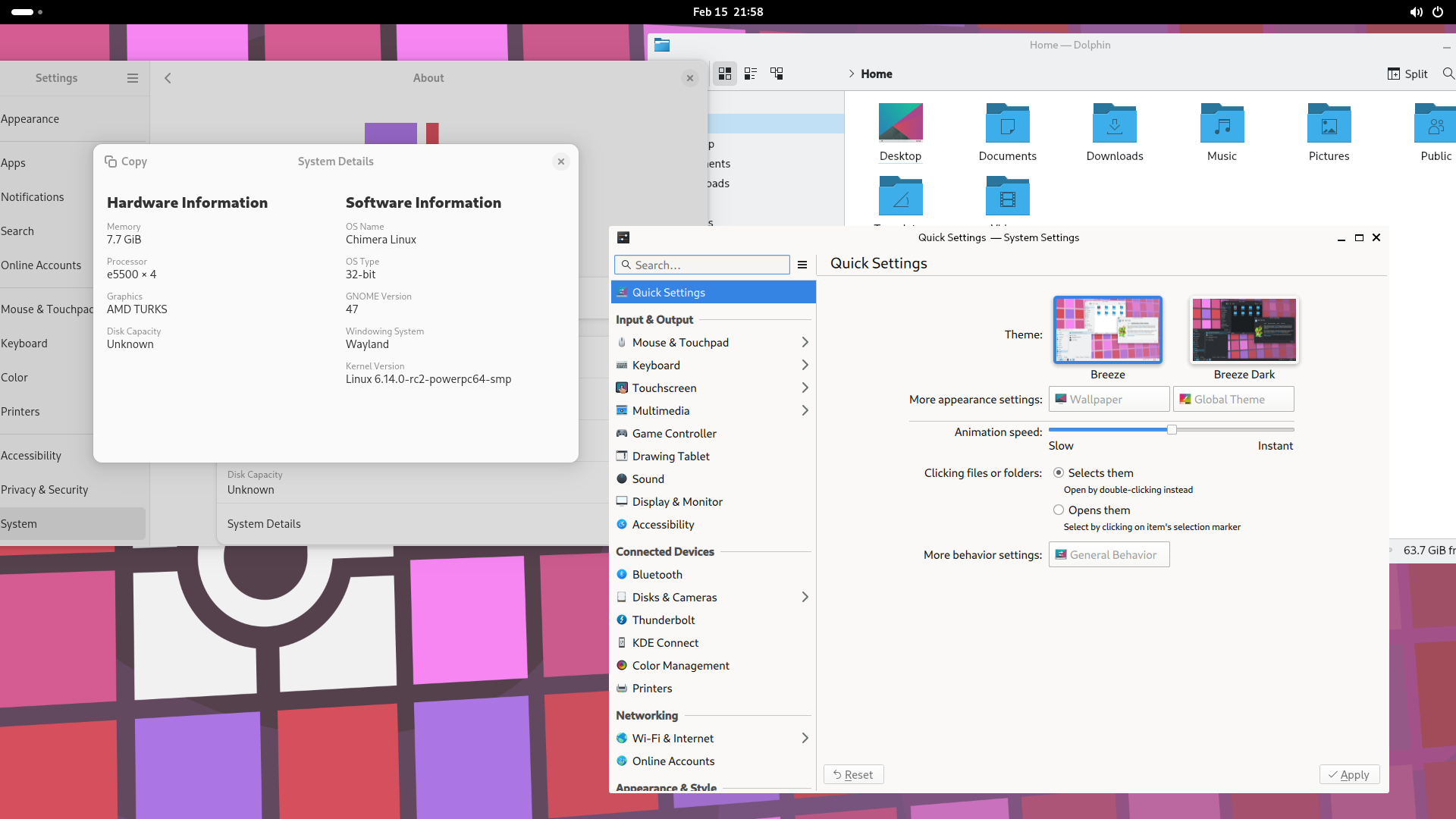
Chimera Linux up and running on my e5500 x4 Computer. (With some issues but working)
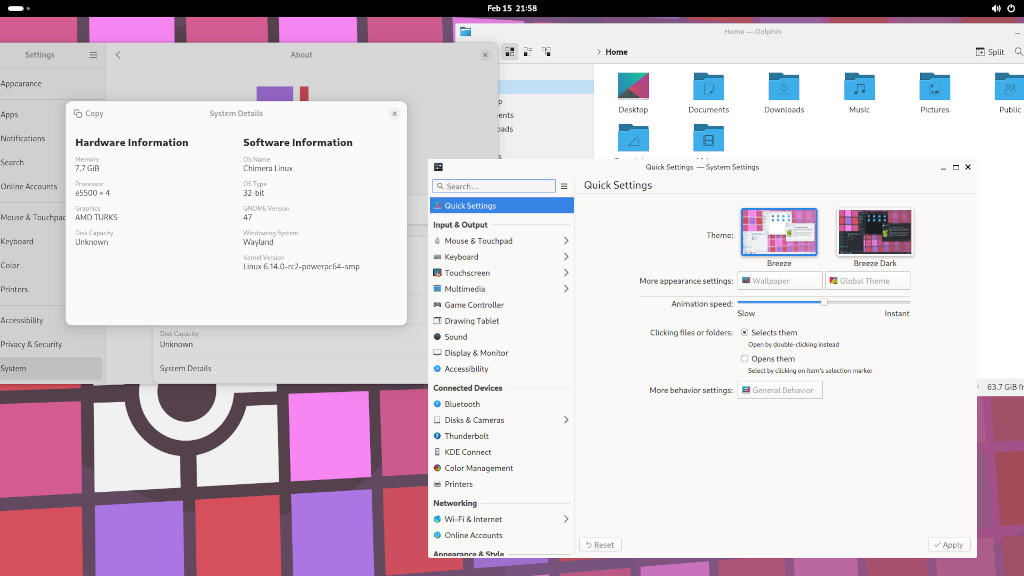
Big picture
https://www.skateman.nl/wp-content/uplo ... -58-15.png
Re: Chimera Linux
Posted: Sun Feb 16, 2025 12:26 pm
by Roland
Skateman wrote: Sun Feb 16, 2025 10:22 am
Chimera Linux up and running on my e5500 x4 Computer. (With some issues but working)
Great news!
How did you install it? Did you start from the ISO image or the rootfs?
Is there any decent WWW-browser for it?
Re: Chimera Linux
Posted: Sun Feb 16, 2025 12:45 pm
by xeno74
Skateman wrote: Sun Feb 16, 2025 10:22 am
Chimera Linux up and running on my e5500 x4 Computer. (With some issues but working)
Great, with Wayland!

Which issues are there?
Re: Chimera Linux
Posted: Sun Feb 16, 2025 6:44 pm
by Skateman
Hi i started with the rootfs.
1: Download chimera-linux-ppc-ROOTFS-20250214-full.tar.gz
2: Extract chimera-linux-ppc-ROOTFS-20250214-full.tar.gz to a partition:
Tar -xvf chimera-linux-ppc-ROOTFS-20250214-full.tar.gz -C /mounted partition
3: Boot Chimera linux and login with root - chimera
4: Create a user
useradd amigaone
passwd amigaone (and set a user password i used “amigaone”)
5: Add user to groups
usermod -a -G wheel,kvm amigaone
6: Set a hostname
echo chimera > /etc/hostname
7: Start the network
dinitctl enable dhcpcd
8: Set your timezone
ln -sf /usr/share/zoneinfo/Europe/Amsterdam /etc/localtime
9: setup display manager
Apk add gdm
Enable the service using the command dinitctl enable gdm
10: setup Desktop environment
Apk add gnome
11: update mesa driver
apk add chimera-repo-user && apk update && apk add mesa-amber
12: enable network manager
dinitctl enable networkmanager
Reboot system!
Give it a try..
Re: Chimera Linux
Posted: Tue Feb 18, 2025 2:29 pm
by Roland
@Skateman
Thanks for the instructions! I will try it when I find some free time...
Re: Chimera Linux
Posted: Thu Mar 06, 2025 5:11 am
by xeno74
FYI:
q66_ wrote:
the graphical isos aren't going to work well in general due to mesa being broken on big endian upstream, the unresponsiveness is probably due to it attempting to start display manager in a loop and failing
so don't bother with anything but base and install whatever graphical stuff later (alongside mesa-amber to replace regular mesa, since that should have working gpu drivers) and don't bother with anything wayland on ppc32 because the gpus are never going to be new enough
Re: Chimera Linux
Posted: Mon Nov 10, 2025 4:15 pm
by Roland
Skateman wrote: Sun Feb 16, 2025 6:44 pm
Hi i started with the rootfs.
1: Download chimera-linux-ppc-ROOTFS-20250214-full.tar.gz
2: Extract chimera-linux-ppc-ROOTFS-20250214-full.tar.gz to a partition:
Tar -xvf chimera-linux-ppc-ROOTFS-20250214-full.tar.gz -C /mounted partition
3: Boot Chimera linux and login with root - chimera
4: Create a user
useradd amigaone
passwd amigaone (and set a user password i used “amigaone”)
5: Add user to groups
usermod -a -G wheel,kvm amigaone
6: Set a hostname
echo chimera > /etc/hostname
7: Start the network
dinitctl enable dhcpcd
8: Set your timezone
ln -sf /usr/share/zoneinfo/Europe/Amsterdam /etc/localtime
9: setup display manager
Apk add gdm
Enable the service using the command dinitctl enable gdm
10: setup Desktop environment
Apk add gnome
11: update
mesa driver
apk add chimera-repo-user && apk update && apk add
mesa-amber
12: enable network manager
dinitctl enable networkmanager
Reboot system!
Give it a try..
I found finally some time to try Chimera... I followed the instructions above (rootfilesystem was a newer one, though), but I cannot get gdm to work. Running 'dinitctl enable gdm' usually freezes the system, and I have to edit the filesytem via some other distro to get it booting again. Running 'gdm' directly either freezes the system, or leaves the cursor blinking forever... No error messages.
Is there needed also a Radeon driver (I have a HD 6450), or some other additional component? I have already installed xorg-server.
I tried also to install sddm and plasma-desktop. They do not start either ('sddm' of 'kstart plasma-desktop'), but at least they do not freeze the system.
Only xfce-desktop I can run directly ('startxfce4'), without a dm.
Re: Chimera Linux
Posted: Thu Feb 19, 2026 4:03 am
by MartinW
I thought I'd have a go at getting the current Chimera PPC32 image up and running. I was partially successful in that I was able to install it (on USB at the moment), create my user, etc. I wasn't able to get Gnome up and running but according to the comment earlier in this thread that's unlikely anyway.
I managed xfce with X11 but when I start it, my desktop is completely corrupt. I'm not sure yet if I need to explicitly generate an X11 config. So far this is just letting X11 work stuff out for itself.
Oh, whole reason is I have an outstanding issue with SDL2 on MintPPC and I'm trying to determine if it's Mint specific by testing on another distro. I wasn't able to download the void image, but it's really out of date now anyway so not really helpful. And with Fienix gone, I'm almost out of options.
PS: This is Mirari, which isn't X5000 of course.
Re: Chimera Linux
Posted: Thu Feb 19, 2026 7:48 am
by xeno74
MartinW wrote: Thu Feb 19, 2026 4:03 am
I managed xfce with X11 but when I start it, my desktop is completely corrupt.
PS: This is Mirari, which isn't X5000 of course.
Martin,
Which graphics card do you use? Cool, another Mirari board. What is the issue with downloading the VoidPPC image? md5sum?
Download of the latest VoidPPC noboot root partition image:
Void Linux thread
Cheers,
Christian